


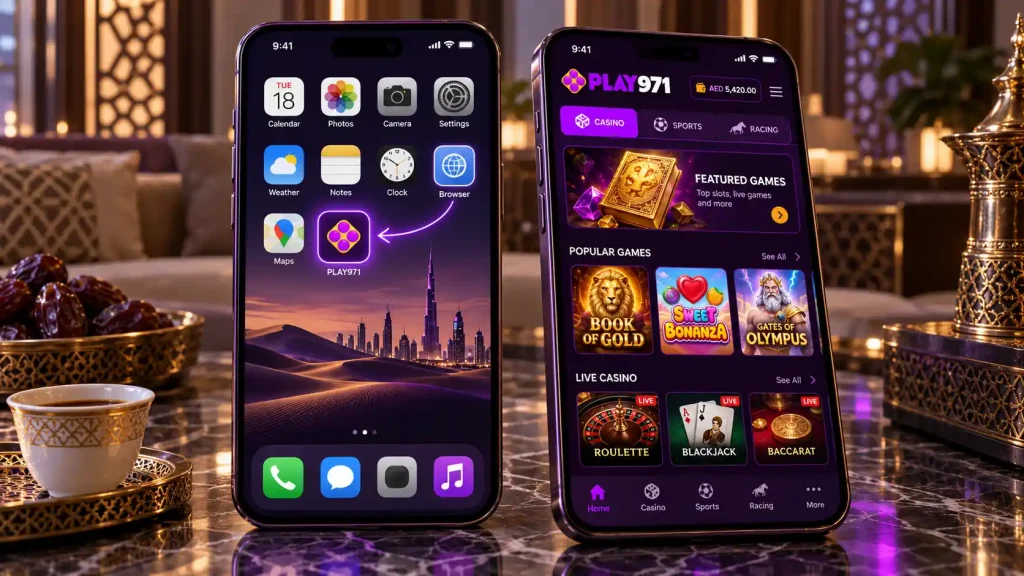
Play971 App and Mobile Access
You already own the Play971 app. On Android it goes by the name Chrome, on an iPhone it’s called Safari. Cheeky answer? Maybe, but it’s the right one, because the operator publishes no native application in the App Store or on Google Play and distributes no APK file. The platform is built to run in a mobile browser, and with one extra step it can sit on your home screen and open like any other app.
Why go this way? Play971 is licensed by the GCGRA, admits only adults of 21 or over inside the UAE and checks location at every login. Keeping the product inside the browser means every user always loads the same, current version straight from the operator, with no store in between and no installer file that could be copied, altered and passed around.
Mobile Access Options
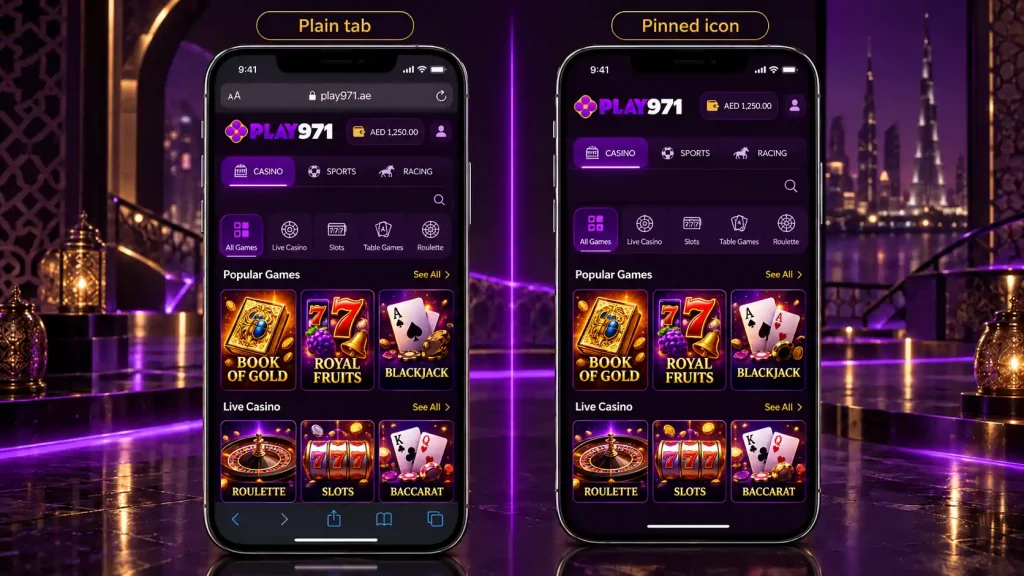
There are really only two ways to use Play971 on a phone, and they share the same account, the same games and the same checks. The difference is convenience.
| What you care about | Plain tab | Pinned icon |
|---|---|---|
| How you open it | Type the address or use a bookmark | One tap from the home screen |
| Screen space | Browser bars take some room | Opens full screen |
| Staying signed in | Depends on browser settings | Usually remembered between visits |
| Chance of landing on a fake site | Higher if you follow links | Low once pinned from the real address |
A third option, a downloadable app, simply doesn’t exist. Every listing or file that claims otherwise is unofficial, and installing it risks handing your login details to whoever made it. That’s worth repeating to friends and family, because fake gambling apps are a common way of stealing accounts.
Android Access
Android phones come from many manufacturers, and each one arranges its menus a little differently. The essentials stay the same, though, and Chrome gives the most consistent results across all of them.
- Fire up Chrome and key in the address yourself, letter by letter;
- Log into your account as usual;
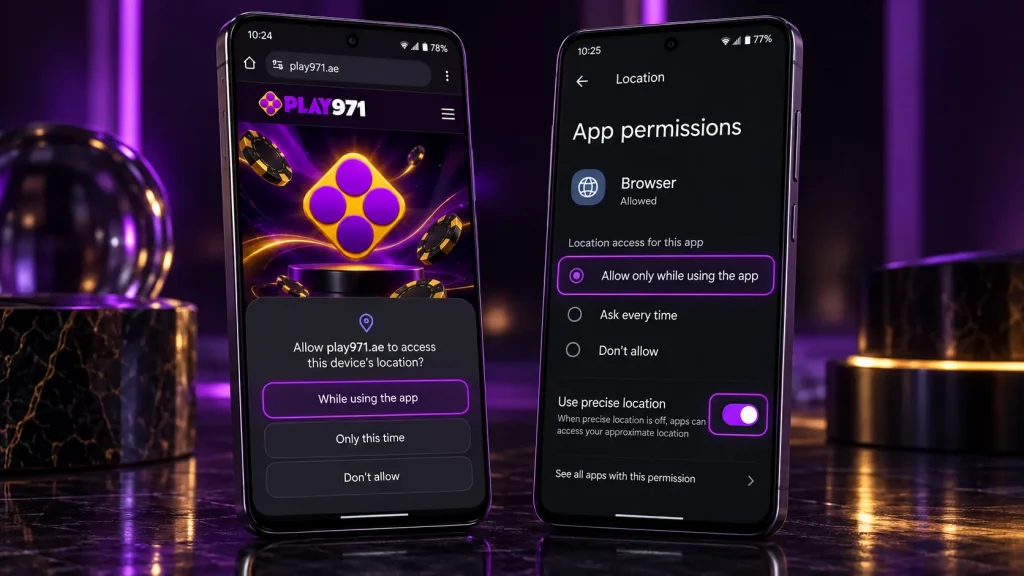
- When Chrome requests your whereabouts, pick the while-in-use option;
- Behind the vertical dots sits a menu entry that drops the page among your apps, so tap it.
Location trips up Android owners more than anything else. If the check keeps failing, work through it in this order:
- Confirm the phone-wide location switch is on;
- Find Chrome in the list of apps allowed to use location and set it to while in use;
- Turn on precise location for Chrome, since an approximate fix may not satisfy the check;
- Restart Chrome and try again.
Samsung, Xiaomi and other brands bury these switches in slightly different menus, yet the same handful of settings decide the outcome.
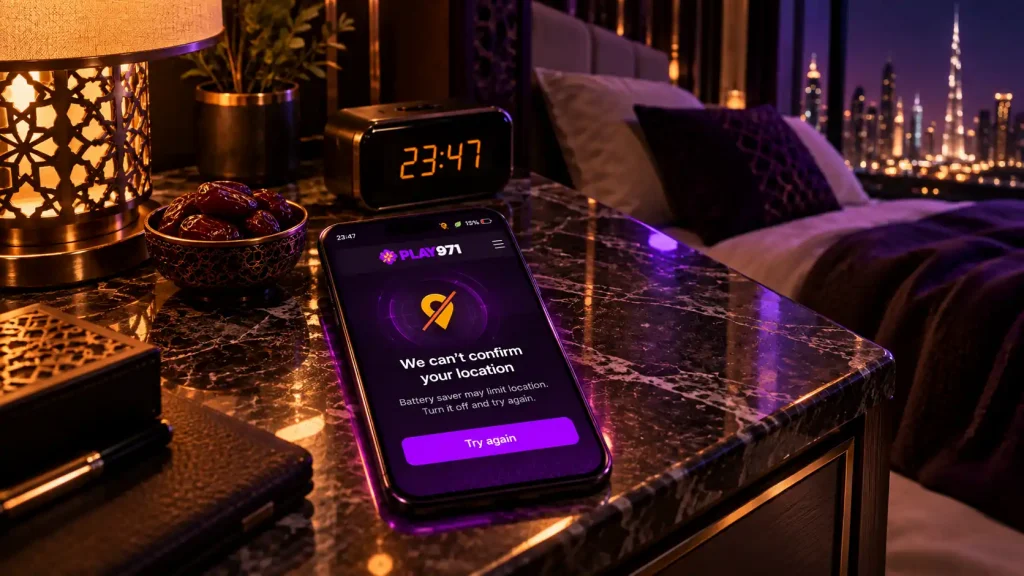
Power-saving modes deserve a mention too. Some phones switch location services off, or limit them, when battery saver kicks in. If Play971 suddenly can’t confirm where you are late in the evening, check whether your phone has quietly entered a low-power mode.
iPhone and iOS Access
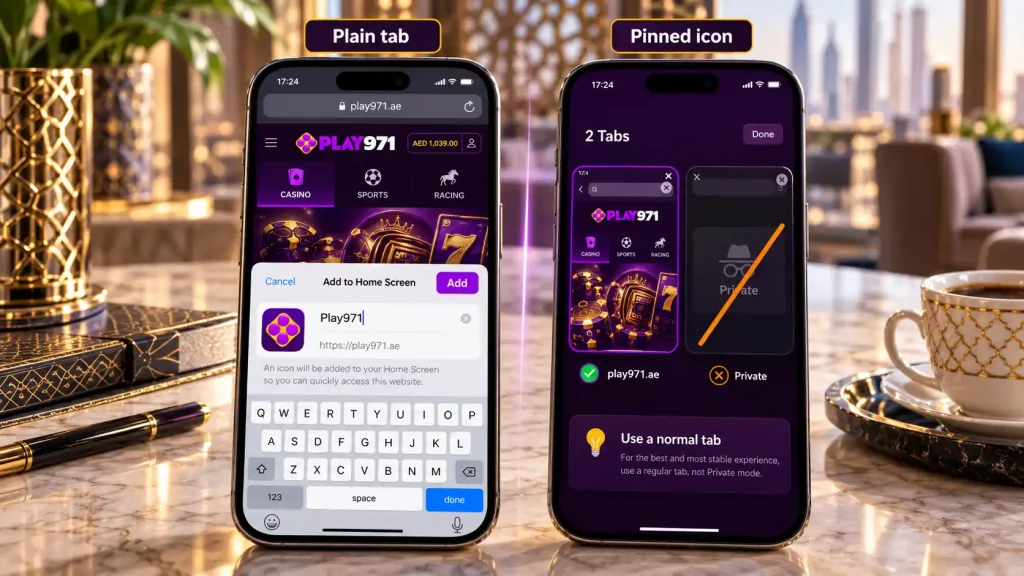
Apple’s phones need Safari for this job. Other browsers on iOS can show the site, yet only Safari produces an icon that opens in its own window. Load the real address, log in, press the share symbol and look for the entry that sends the page to your home screen, then label it however you like.
Two iPhone settings cause most problems. The first is location access for websites in Safari, found in the privacy section of Settings under Location Services. It needs to allow access while using, with precise location on. The second is Private Browsing. Safari’s private mode doesn’t keep you signed in and can prompt for permissions every time, so use a normal tab for Play971.
Families sometimes use Screen Time restrictions, which can lock location settings on a device. If you can’t change the permission at all, that’s usually why, and the fix lies in the Screen Time menu rather than in Safari.
Search the App Store for Play971 and whatever turns up isn’t the operator’s work.
Installation or Home Screen Shortcut
Pinning Play971 to your home screen isn’t an installation in the usual sense. The icon is a saved route to the website that opens in its own window, and all the actual work happens on the operator’s servers. That has some useful consequences:
- Storage use is trivial, a picture plus an address;
- Version numbers don’t exist for you, because the servers always deliver the current build;
- Deleting it is as quick as deleting any icon, and it leaves no trace;
- The games get the whole display, with browser controls tucked out of sight.
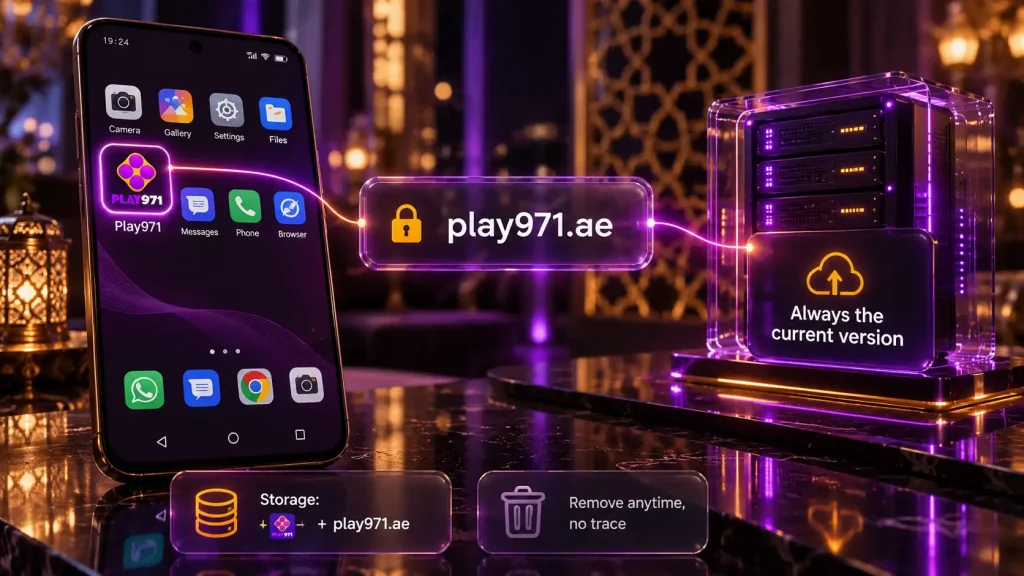
The most important moment is the one before you pin it. Check the address bar and make sure you’re on the official site, not a copy reached through a link or advert. Once the genuine address is pinned, you’ll never need to search for Play971 again, which removes the biggest single risk of landing on an imitation.
If you use more than one device, pin it on each. Every device runs its own location check when you sign in, so a tablet at home and a phone on the go can both be used, as long as both are inside the UAE.
Login, Updates and Troubleshooting
Behind the icon, logging in is no different from a tab. Same credentials, same silent location lookup, same recovery link if the password slips your mind.
Updates take care of themselves. If the site ever looks outdated after a change, clearing the stored data for Play971 alone in your browser settings refreshes it without affecting other sites.
When something goes wrong, the symptom usually points straight to the cause.
| Symptom | Likely cause | What to try |
|---|---|---|
| Stuck at the location check | Location off, or only approximate | Give the browser precise location access |
| Signed out every visit | Private mode or cleared cookies | Use a normal tab and pin from there |
| Icon opens a regular tab | Pinned from the wrong browser on iPhone | Remove it and pin again from Safari |
| Games load slowly or freeze | Weak signal or outdated browser | Switch to Wi-Fi and update the browser |
| Password refused | A typo, or a forgotten password | Request a reset from the sign-in page |
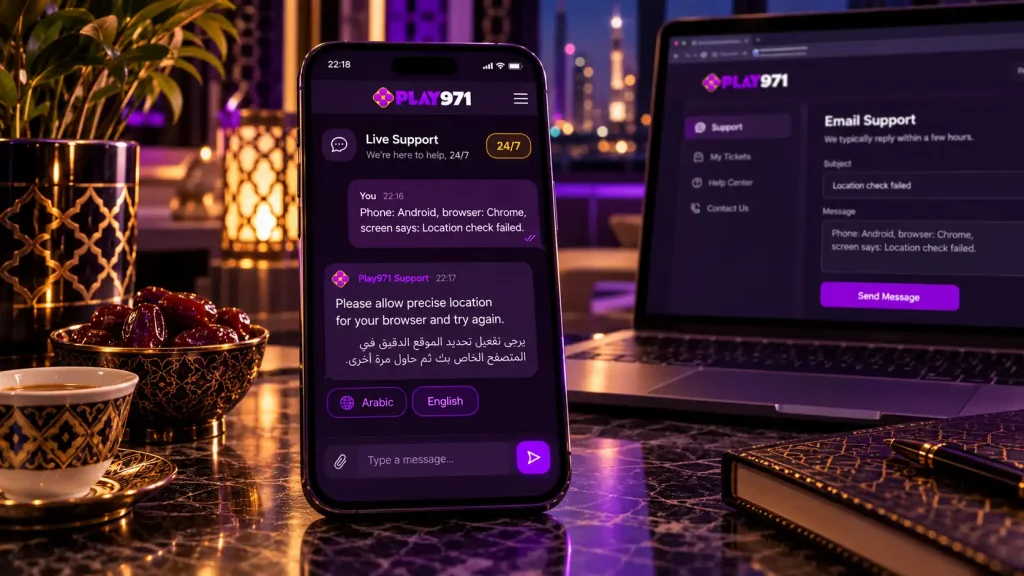
Still stuck? Message the support team, who work every hour of every day in Arabic and English through chat or email. Mention your phone model, your browser and the exact wording on screen, and they’ll usually pinpoint the cause in one reply.
Play971 is for adults aged 21 and over who are physically in the UAE. Having it one tap away is convenient, so make sure your deposit limit is set before convenience turns into habit.